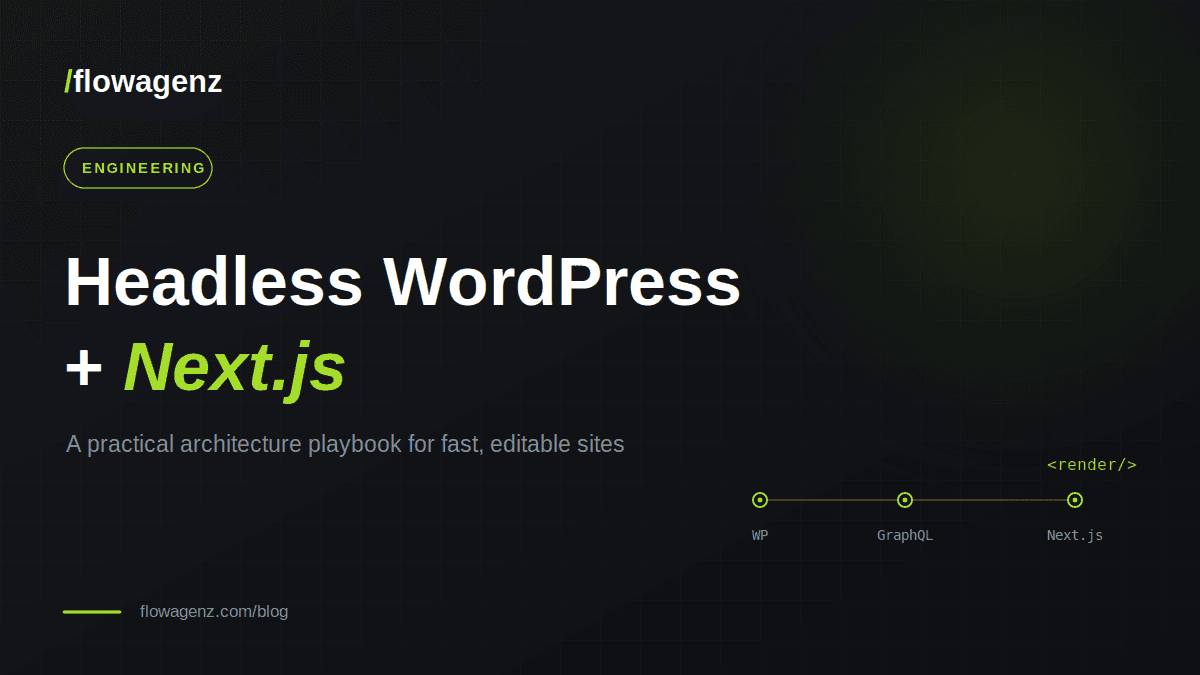
Keep WordPress as the content brain and let Next.js own the front end. A practical guide to content modelling, rendering strategy, secure forms, and SEO that survives the migration.
WordPress still powers a huge share of the web, and for good reason, because content teams love it. But the classic "theme renders everything" model increasingly fights against what modern sites need: speed, flexibility, and a front end you can shape freely. Going headless solves that. You keep WordPress as the content brain and let a framework like Next.js own the front end. Editors keep the tool they know; visitors get a fast, modern site. This playbook walks through the architecture we use in production: the decisions that matter, and the traps that catch teams the first time.
When Headless Actually Makes Sense
Headless is not automatically the right answer. It earns its place when:
- Your pages need varied, composable layouts rather than one fixed template.
- Performance and Core Web Vitals genuinely affect your conversions or rankings.
- You want to reuse the same content across a website, an app, or other channels.
- Your team is comfortable maintaining a JavaScript front end.
If you run a small brochure site that rarely changes, a good traditional theme is simpler and cheaper. Headless shines on content-heavy, lead-driven, or performance-sensitive sites.
The Architecture at a Glance
The flow is straightforward:
- WordPress + ACF store and structure the content.
- GraphQL exposes that content as a clean API.
- Next.js fetches it and renders the public site.
WordPress never serves a public page directly. It becomes a content service, and the front end is entirely yours to optimise.
Content Modelling: Think in Sections, Not Pages
The single most important decision in a headless WordPress build is your content model. The pattern that scales best is section-based flexible content. Instead of one rigid template per page, you give editors a library of blocks (hero banner, stats, testimonials, FAQ, plan grid, CTA) and let them stack the blocks they need. On the front end, a single section renderer reads the ordered list of blocks for a page and renders the matching React component for each one. Adding a new block type becomes a contained task:
- 1Define the ACF flexible-content layout in WordPress.
- 2Add its fields to your GraphQL query.
- 3Build one matching component.
Done well, marketers can launch entire landing pages with zero developer involvement, and that is the real payoff of headless.
Tip: Give every block a strict TypeScript type that mirrors its ACF fields. Flexible content is loosely typed by default, and strong types eliminate a whole category of runtime errors before they ship.
Rendering Strategy: SSR vs ISR
Next.js gives you several ways to render. The two that matter most here:
- Server-Side Rendering (SSR) fetches fresh content on every request. Always current, but every visit hits WordPress.
- Incremental Static Regeneration (ISR) serves a cached page and refreshes it on a schedule or on demand. Far faster and lighter on the backend.
For most content sites, ISR with on-demand revalidation is the sweet spot: pages are static and fast, and a webhook from WordPress refreshes only the pages that changed when an editor hits publish. Reserve true SSR for content that genuinely must be live on every request.
The mistake to avoid is fetching fresh on every request "just to be safe." On a busy site that quietly turns your WordPress server into the bottleneck you were trying to escape.
Building a Resilient Data Layer
Your front end depends on a backend you do not fully control. Build for that reality:
- Retry with backoff. If a GraphQL request is rate-limited or times out, retry a few times before giving up, with increasing delays.
- Fail soft on non-critical data. A missing testimonial block should never crash a whole page. Use an "optional" fetch path that returns null instead of throwing.
- Centralise fetching. One GraphQL client with shared logic beats scattered fetch calls you have to fix in twenty places later.
Securing Forms in a Headless Setup
When your front end and backend are separate, form submissions cross a network boundary, so you have to prove they are legitimate.
- Sign requests with HMAC. Share a secret between Next.js and WordPress, sign each submission, and verify it on the backend. Now WordPress only accepts forms that genuinely came from your front end.
- Rate-limit by IP. Cap submissions per visitor per time window to blunt spam and abuse.
- Add invisible reCAPTCHA for an extra layer where it matters.
This combination gives you a lead pipeline that is hard to spam and safe to trust. That matters for any business where form fills become sales conversations.
SEO That Survives the Migration
This is where headless rebuilds most often go wrong. Protect your rankings:
- Rebuild sitemaps natively. Generate a sitemap index plus separate page and post sitemaps, generated from your live content.
- Generate metadata and canonical URLs per page from the same WordPress data your editors already manage.
- Preserve URL structure. If old content lived under a subdirectory, make sure your routing resolves those URLs too, so existing links and rankings do not break.
- Add structured data (JSON-LD) per page for richer search results.
Treat SEO as a first-class requirement from day one, not a cleanup task after launch.
Common Pitfalls
- Over-fetching on every request and overloading WordPress.
- Loose typing on flexible content, leading to fragile runtime errors.
- Forgetting redirects and legacy URLs, quietly killing your search traffic.
- Talking to AI or email services from the browser instead of a server route.
- Treating the CMS as an afterthought. If editors cannot compose pages freely, you have rebuilt a rigid theme with extra steps.
FAQ
Up front, slightly, because you are building two coordinated layers. But it pays back quickly through faster pages, safer changes, and editorial freedom.
Closing Thoughts
Headless WordPress with Next.js gives you the best of both worlds: an editor your team already loves, and a front end you can make as fast and flexible as you like. The architecture is not exotic. Model content as composable sections, render them through one component map, build a resilient data layer, secure your forms, and protect your SEO.
Get those fundamentals right and you have a site that is genuinely a pleasure to maintain and grow. Need a headless build or a rescue on one that went sideways? FlowAgenz builds fast, editable sites and AI automation for growing businesses.