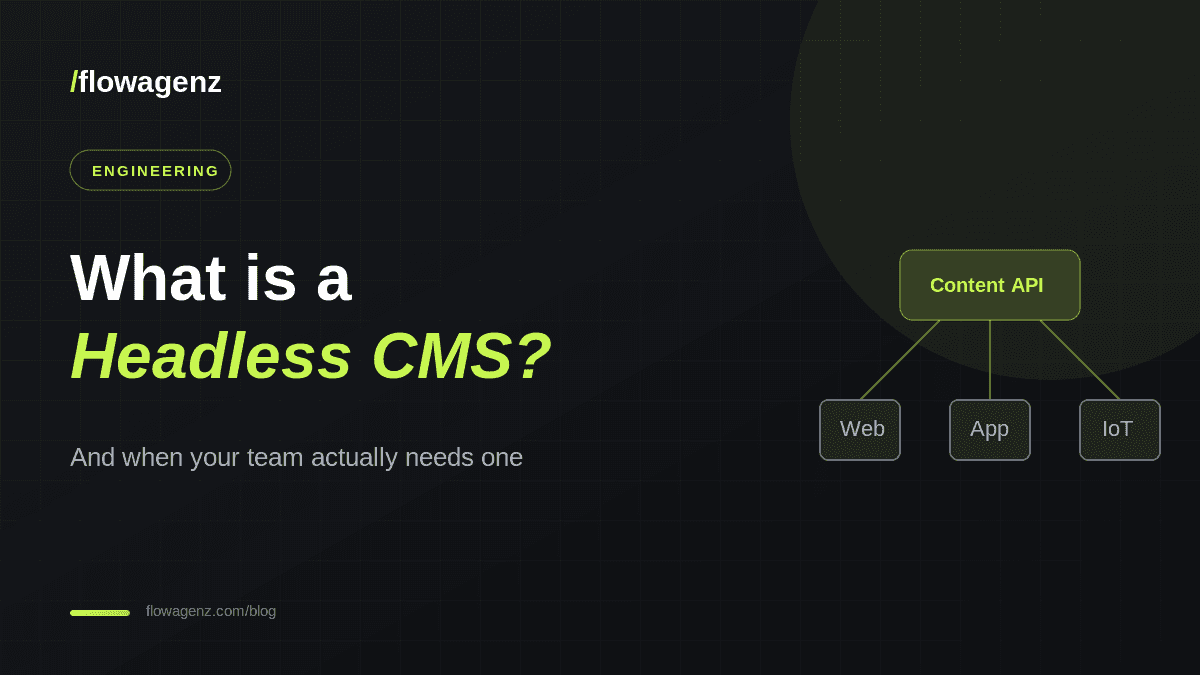
A headless CMS separates where you write content from where it gets shown. Here is what that means in plain language, the trade-offs involved, and how to tell if your team actually needs one.
If you have shopped for a content system lately, you have probably run into the word headless. It sounds technical and a little intimidating, but the idea behind it is simple. This guide explains what a headless CMS is, how it differs from a traditional one, and how to decide whether it fits your team
If you run one simple website and nobody on the team writes code, a traditional CMS is usually the faster choice. A headless setup starts to pay off when your content needs to reach more than one place.
Traditional CMS vs headless, side by side
In a traditional setup, the content, the templates, and the rendering all live in one system. That is convenient for a single website, but it ties your content to one presentation layer. In a headless setup, content lives in a central hub and is delivered as structured data. Your website, your mobile app, and any other channel each request that data and render it their own way.
- Traditional: one system handles both content and display, so it is quick to launch but harder to reuse content elsewhere.
- Headless: content is display agnostic and reusable across channels, but you build the front end yourself.
- Traditional: a large theme and plugin ecosystem does a lot of the work for you.
- Headless: more engineering up front, in exchange for more control and speed later.
Why teams move to headless
The move usually begins when content has to appear in more than one place. A few common drivers stand out.
- 1Multiple channels: the same product description needs to show on a website, an app, and perhaps a kiosk or a partner site
- 2Performance: a modern front end built with a framework like Next.js can load faster than a plugin heavy theme.
- 3Security: with no public admin login attached to the live site, the attack surface is smaller.
- 4Developer experience: front end teams work in the tools they prefer instead of fighting a theme system.
- 5Scale: structured content is easier to migrate, translate, and reuse as the business grows.
Headless does not mean no admin panel. Editors still get a friendly dashboard to write, schedule, and preview content. The difference is that the dashboard is separate from the live site.
The trade-offs to weigh
Headless is not automatically better. It shifts work rather than removing it, and that work lands on your engineering team.
- You build and maintain the front end, which is more involved than installing a theme.
- Some out of the box features, such as forms, search, and previews, need to be wired up deliberately.
- Small teams without developer support can find a headless stack heavier than they really need.
How to tell if your team needs one
A few honest questions usually settle the decision.
- 1Do you publish to more than one channel, or plan to within the next year?
- 2Is page speed or a custom, distinctive design important to your brand?
- 3Do you have, or can you hire, developers to own the front end?
- 4Is your content library large enough that structure and reuse genuinely matter?
If you answered yes to most of these, headless is worth a serious look. If not, a well configured traditional CMS will serve you well and cost less to run.
Where flowagenz fits
We build headless and hybrid content platforms using tools like Strapi and Sanity paired with a Next.js front end. We help you decide whether headless suits your stage, then design the content model, build the front end, and hand over a system your team can actually run day to day. If you are weighing the move, write to us at hello@flowagenz.com and we will give you a straight answer.
Frequently asked questions
The upfront build costs more because you create the front end. Running costs are often lower and performance is better, so the total picture depends on your needs rather than a single line item.